

Should You Move from SharePoint On-Premises to SharePoint Online? Planning the Migration

Support for SharePoint Server 2016 and 2019 ended in July 2026, which changes the position for organizations still running either version. Because Microsoft offers no extended security updates for those farms, vulnerabilities discovered after the deadline stay open. Continuing either version now means operating an unsupported SharePoint platform, which is a different decision from simply […]
SharePoint Architecture: Core Components & Best Practices

A well-designed SharePoint architecture rarely draws attention to itself. Users find documents in seconds, teams know exactly where content belongs, and administrators spend less time correcting inconsistencies across sites and libraries. The structure quietly does its job, and everyone works faster because of it. Take that structure away, and the difference is felt almost immediately. […]
Outlook vs Gmail Comparison: Features, Security & Pricing (2026)

Choosing between Outlook and Gmail in 2026 isn’t just about sending and receiving email. It’s a choice of an entire ecosystem that defines productivity, collaboration and how well your inbox fits into the tools you already use daily. Both Microsoft Outlook and Gmail dominate the email landscape, but they’re built for different stages of growth. […]
Innovative IT Solutions Built on Strong Partnerships and Teamwork

OmniaBio is a technology-focused cell and gene therapy CDMO that specializes in providing advanced cell-based processes and gene delivery services for both autologous and allogenic therapies.
Modernize Your Workplace: Building a Secure SharePoint Intranet
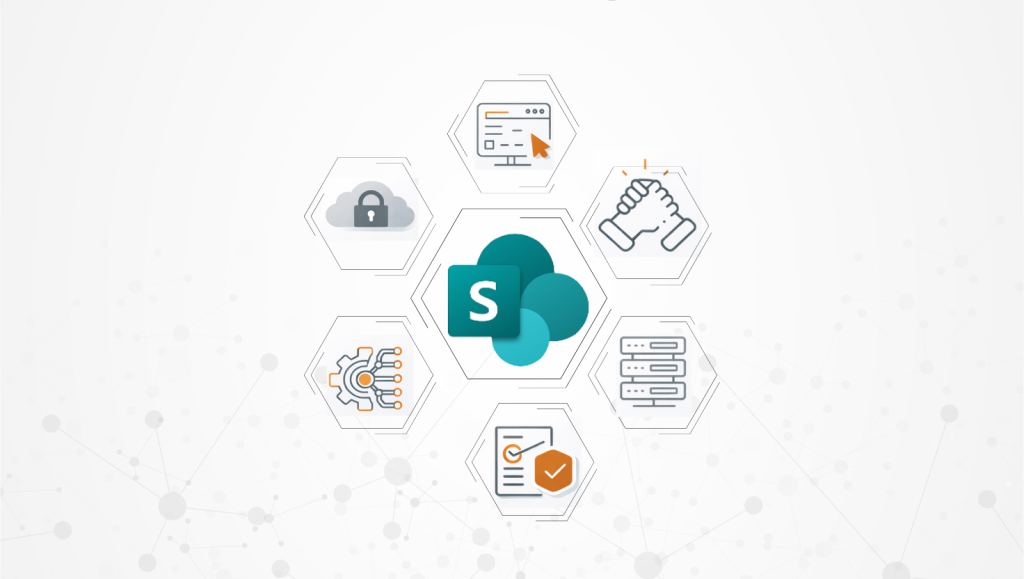
SharePoint is a core product for companies using Microsoft 365. Sitting at the heart of collaboration, it acts as a centralized information repository that connects Teams, Outlook, Viva Engage and the rest of the Microsoft 365 tools. Broadly, there are two types of SharePoint sites: communication sites and team sites. A communication site, often referred […]
Securing SharePoint Post-Migration: Top 5 Governance Considerations
SharePoint migration doesn’t end when content is moved to the new environment. In many organizations, it’s actually the point where security risk begins to build. Permissions can expand, external sharing may become harder to monitor, and the governance controls established during migration often weaken over time. Post-migration security requires a governance plan to keep your data secure. Without governance, SharePoint environments retain legacy access models, overshared content and inconsistent controls that no longer […]
Microsoft Edge vs Chrome: Why IT Admins Choose Edge

For IT admins standardizing browsers across a Windows and Microsoft 365 environment, Microsoft Edge is the stronger default. It shares Chrome’s Chromium engine, so compatibility isn’t a trade-off, and it adds tighter integration with Intune, Entra ID, and Microsoft Defender that Chrome cannot match without third-party tooling. Google Chrome remains a reasonable choice for organizations […]
How to Use Copilot in SharePoint: Integration and Use Cases

Microsoft Copilot in SharePoint turns an already powerful productivity platform
SharePoint Storage Consumption and Effective Cost Optimization
Most organizations don’t realize they’re running out of SharePoint storage until it’s
SharePoint Governance: Framework & Key Policies to Implement

SharePoint governance refers to the rules, roles, permissions, and settings that determine how content is created, accessed, and managed across your SharePoint environment. While SharePoint is a powerful platform for collaboration and content management, it can quickly become an unstructured, overloaded system if it lacks a clear governance framework. This article outlines the core components […]
